July 12, 2026
How to Connect Instagram on PostStage
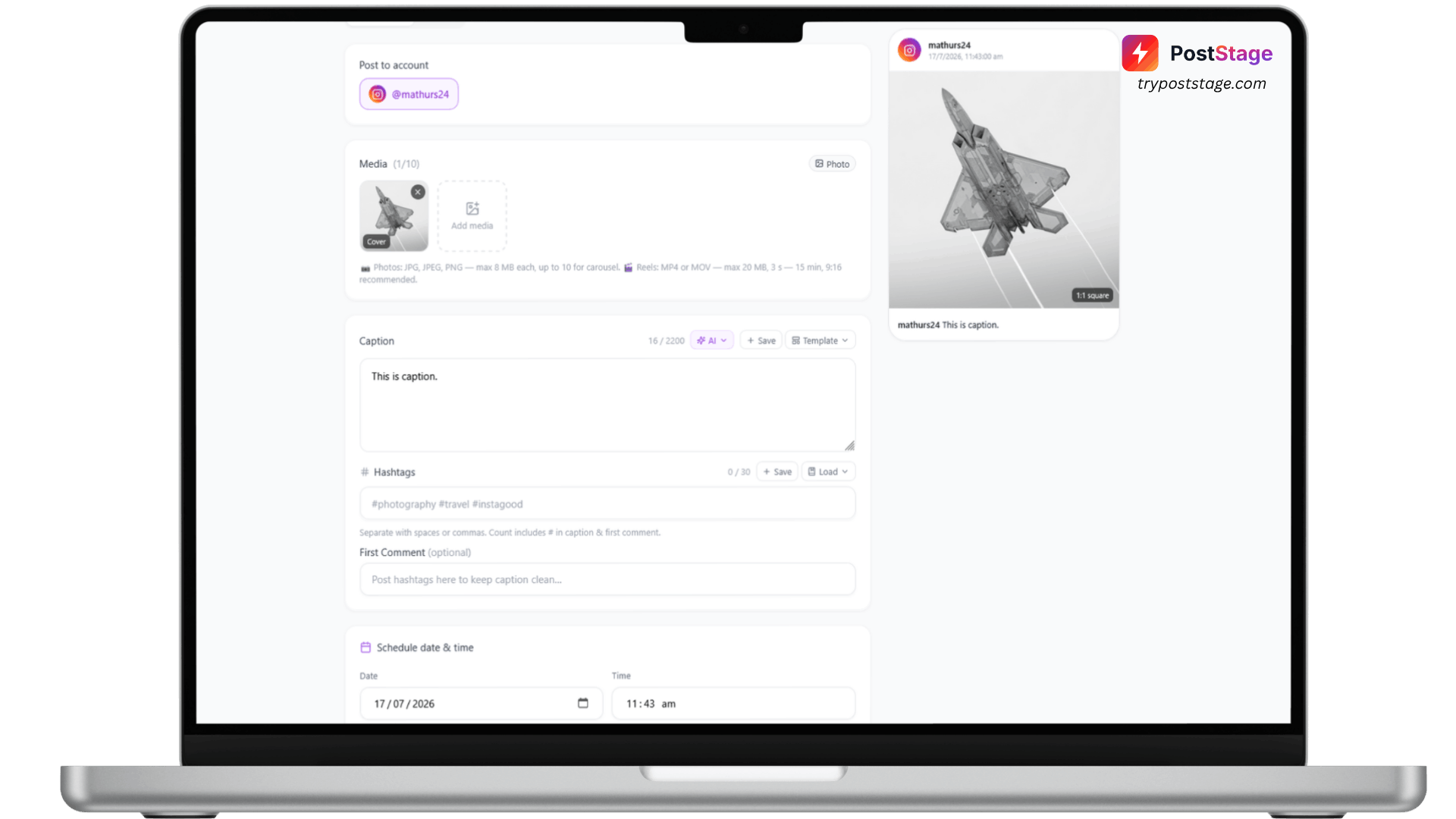
Connecting Instagram is one of the most common first steps on PostStage — and it trips people up more than any other platform, because Instagram has one hard requirement the others don't. Here's exactly how to do it, in under two minutes.
Before you start: Business or Creator account required
Instagram only allows scheduling apps like PostStage to publish through Business or Creator accounts — not Personal accounts. This is an Instagram/Meta rule, not a PostStage limitation.
If you're not sure which type your account is, here's how to check (and fix it) in the Instagram app:
- Open Settings → Account type and tools
- If it says "Personal account," tap Switch to professional account
- Choose Creator or Business — either works with PostStage
- Confirm
It's free, takes about 30 seconds, and is fully reversible if you ever want to switch back.
Step 1: Go to Accounts
In your PostStage dashboard, open Accounts from the sidebar.
Step 2: Select Instagram
Click the Instagram tile in the connect-account grid. This takes you to the Connect Instagram Account page — "Link a Business or Creator account via Instagram Login."
Step 3: Click "Connect with Instagram"
Click the Connect with Instagram button. You'll be redirected to Instagram's own login screen.
Step 4: Log in and approve access
Log in with your Instagram credentials and review the permissions screen. PostStage only ever requests permission to publish content, manage comments, and view insights — we never request access to your DMs or followers list.
Step 5: Confirm it's connected
You'll be redirected back to PostStage, and your Instagram account will now appear in your Accounts list, ready to receive scheduled posts.
Troubleshooting: "No Instagram Business or Creator account was found"
If you see this error, it almost always means the account is still set to Personal. Go back to Before you start above, switch to a Professional (Creator or Business) account, and try connecting again.
That's it — your Instagram account is live on PostStage. Head to the composer to schedule your first post.