July 12, 2026
How to Connect LinkedIn on PostStage
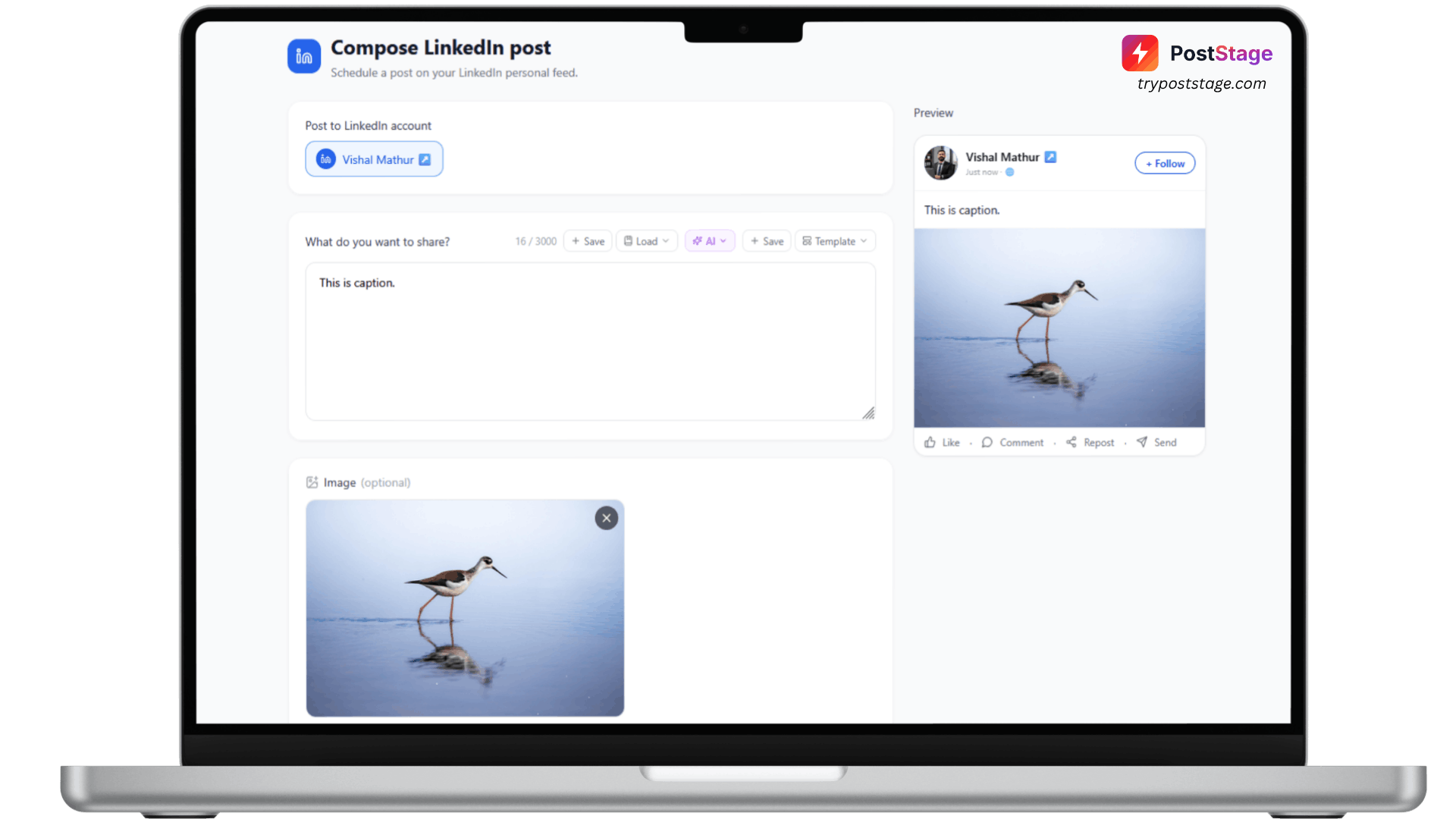
Connecting LinkedIn to PostStage takes under a minute. Here's what to expect.
Before you start
PostStage currently connects your personal LinkedIn profile — Company Page posting isn't supported yet (it requires a separate LinkedIn partner approval PostStage doesn't have). If you're posting on behalf of a business, your posts will go out under your personal profile for now.
Step 1: Go to Accounts
In your PostStage dashboard, open Accounts from the sidebar.
Step 2: Click the LinkedIn tile
Click the LinkedIn tile in the connect-account grid.
Step 3: Log in and approve access
Log in with your LinkedIn credentials and approve the requested permissions.
Step 4: Confirm it's connected
You'll be redirected back to PostStage with your profile connected — no extra picker step.
One thing to know
LinkedIn doesn't offer PostStage a way to silently refresh your connection, so roughly every 60 days you'll need to reconnect from the Accounts page. PostStage will show a Reconnect button when it's time — it takes the same few seconds as the original setup.
That's it — you're ready to schedule LinkedIn posts.