July 12, 2026
How to Connect Telegram on PostStage
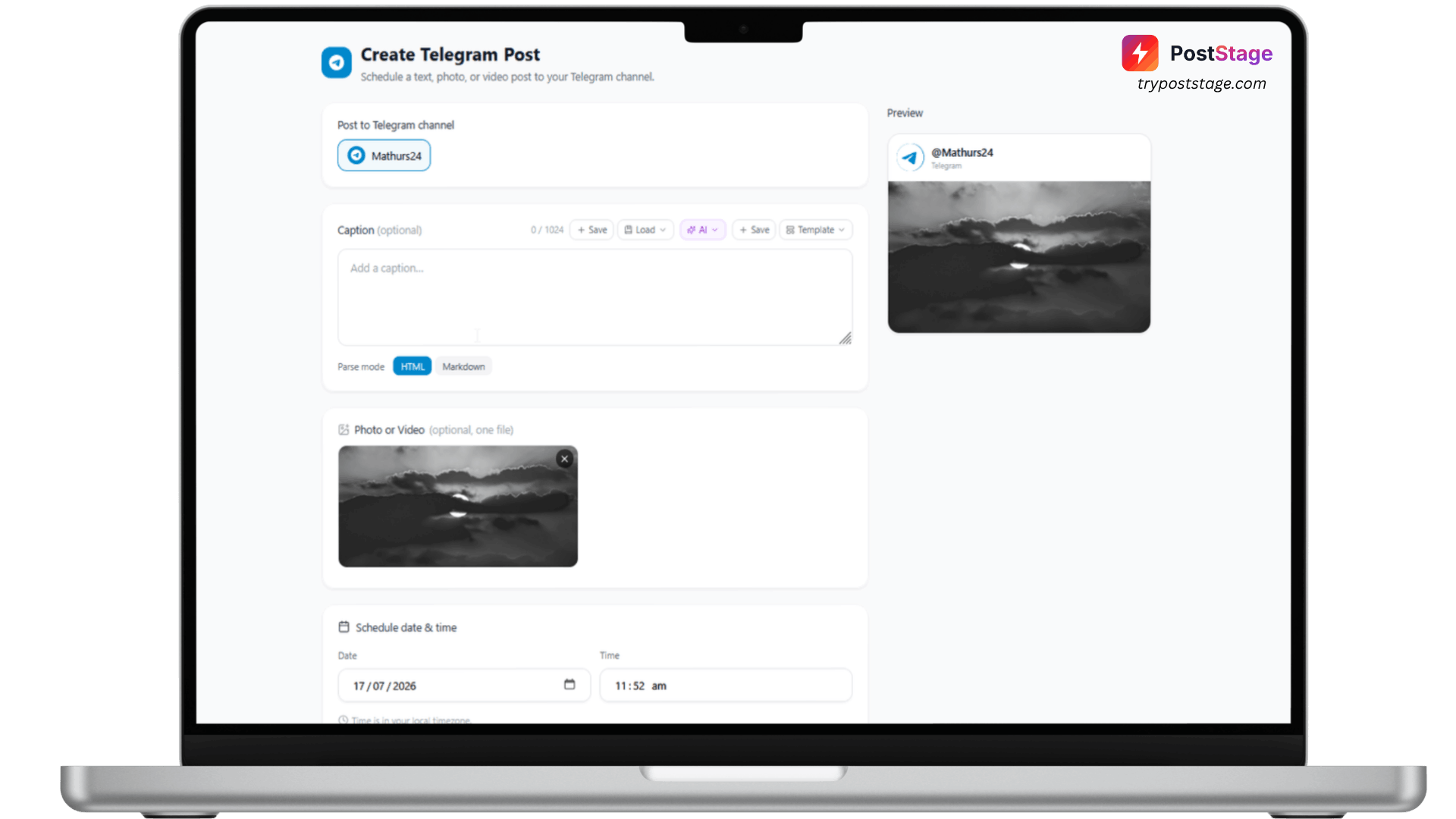
Telegram doesn't use a "log in with Telegram" button — you create your own bot and give PostStage its token. It sounds more technical than it is; the whole thing takes about two minutes.
Step 1: Create your bot with BotFather
- Open Telegram and search for @BotFather.
- Send /newbot, then choose a name and username. BotFather will reply with a token that looks like 123456789:ABCDefgh...
- Open your channel → Administrators → Add Admin → search for your new bot → enable Post Messages for it.
Step 2: Go to Accounts in PostStage
In your PostStage dashboard, open Accounts from the sidebar, then click the Telegram tile. This opens a "Connect Telegram" form.
Step 3: Paste your bot token and channel
Fill in:
- Bot Token — the token BotFather gave you in Step 1
- Channel — your channel's handle, e.g. @mychannel
Your bot token is stored encrypted and used only to post on your schedule.
Step 4: Connect
That's it — PostStage validates the token and channel and connects your account.
Troubleshooting
If you get a "chat not found" error, it almost always means you skipped the "Add Admin" step above — go back to your channel's Administrators list, confirm your bot is added with Post Messages enabled, and try again.
You're now ready to schedule posts to your Telegram channel.