July 12, 2026
How to Connect Threads on PostStage
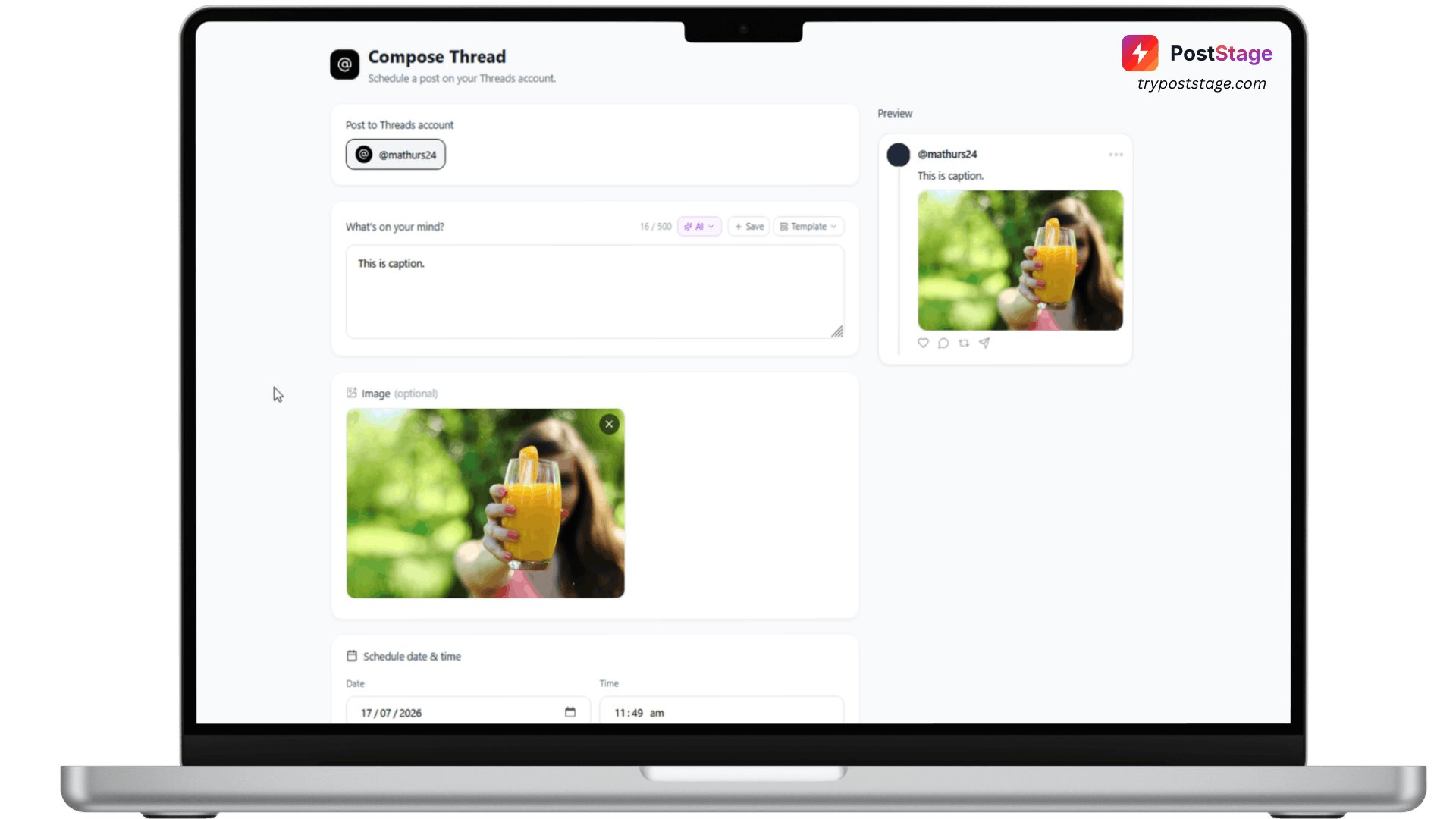
Threads is one of the simplest platforms to connect on PostStage — no special account type required.
Step 1: Go to Accounts
In your PostStage dashboard, open Accounts from the sidebar.
Step 2: Click the Threads tile
Click the Threads tile in the connect-account grid.
Step 3: Log in and approve access
Log in with your Threads account and approve the requested permissions, which include posting and viewing your own thread insights.
Step 4: Confirm it's connected
You'll be redirected back to PostStage with your account connected and ready to schedule.
Unlike Instagram, Threads doesn't require a Business or Creator account — a standard personal or brand account works fine.
That's it — you're ready to schedule Threads posts.