July 12, 2026
How to Connect TikTok on PostStage
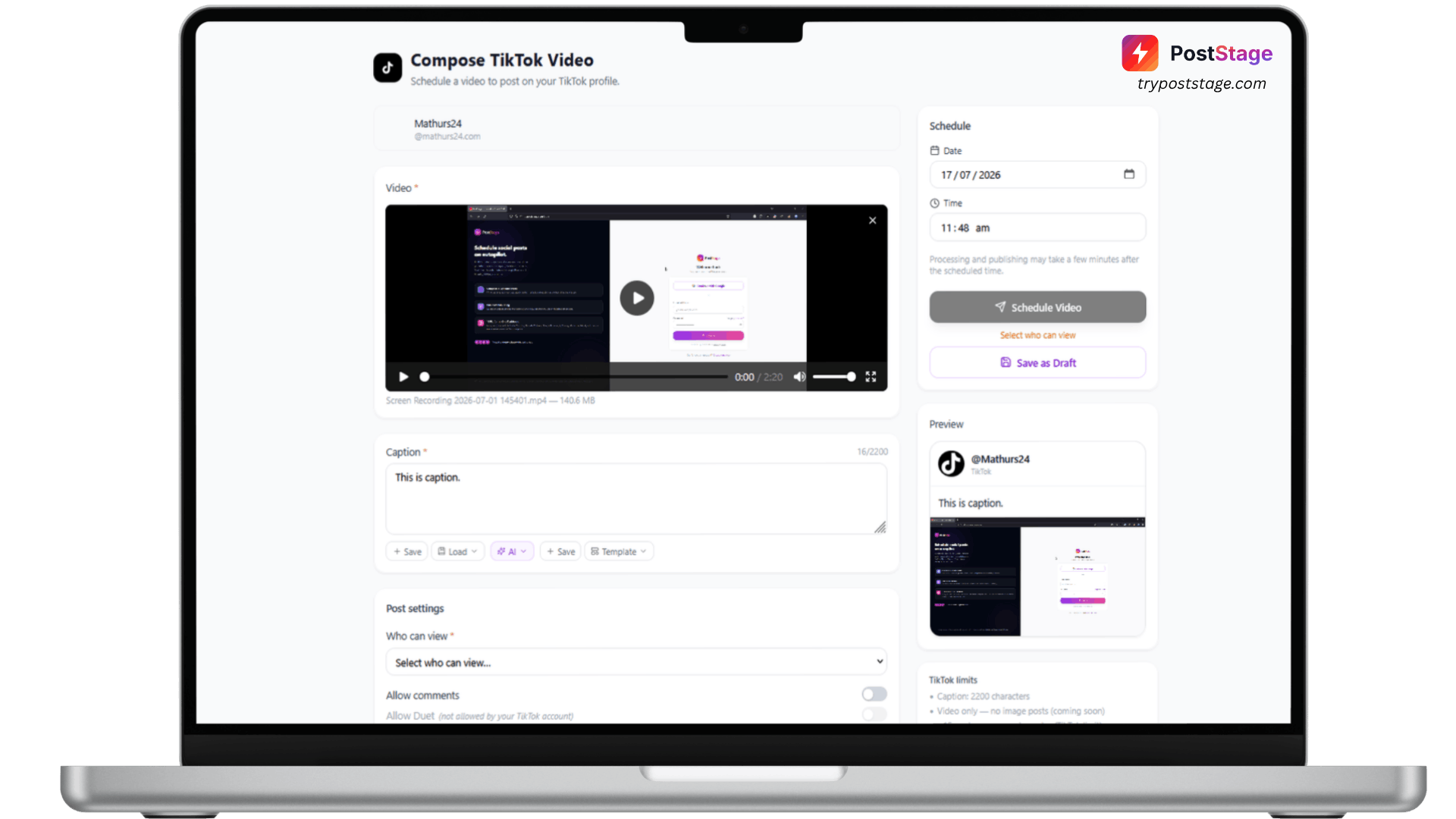
TikTok connects to PostStage through a standard one-click OAuth flow.
Step 1: Go to Accounts
In your PostStage dashboard, open Accounts from the sidebar.
Step 2: Click the TikTok tile
Click the TikTok tile in the connect-account grid.
Step 3: Log in and approve access
Log in with your TikTok account and approve the requested permissions.
Step 4: Confirm it's connected
You'll be redirected back to PostStage with your account connected and ready to schedule.
A TikTok platform restriction to know about
TikTok requires every third-party app to pass its own content-posting audit before it can publish public videos. Until an app clears that review, TikTok restricts it to posting privately ("only me") — this applies to every user of an unaudited app, not anything specific to your account. If you see a notice in the composer that your posts are currently private-only, that's TikTok's restriction, not a PostStage bug — your videos still publish successfully, just visible only to you until the audit completes.
That's it — you're ready to schedule TikTok videos.