July 12, 2026
How to Connect Tumblr on PostStage
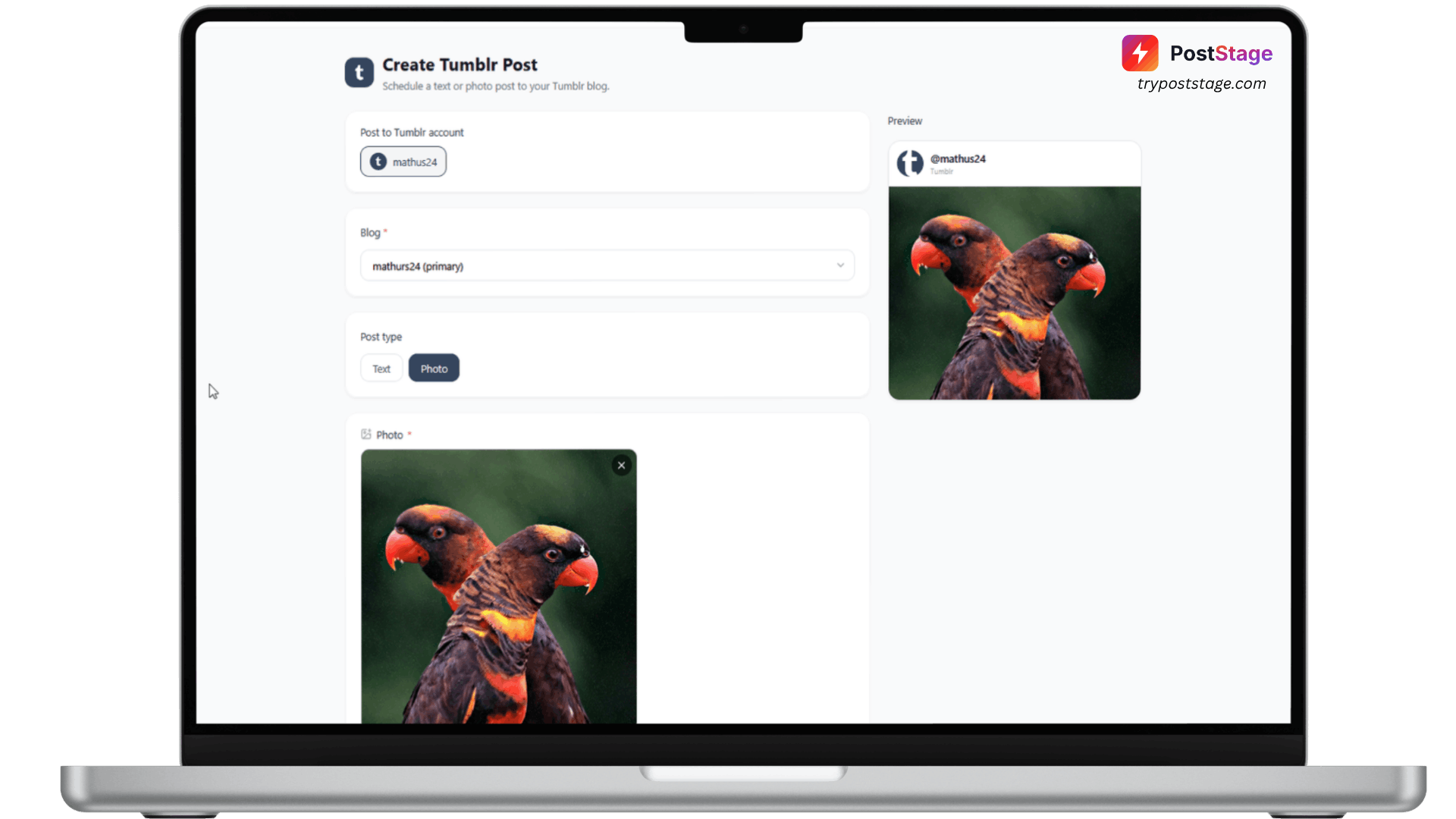
Tumblr connects to PostStage through a standard OAuth flow.
Step 1: Go to Accounts
In your PostStage dashboard, open Accounts from the sidebar.
Step 2: Click the Tumblr tile
Click the Tumblr tile in the connect-account grid.
Step 3: Log in and approve access
Log in with your Tumblr account and approve the requested permissions.
Step 4: Confirm it's connected
You'll be redirected back to PostStage with your account connected — your primary blog is linked automatically.
If you run more than one blog
Blog selection happens in the composer, not at connect time. When you schedule a post, you'll see a Blog dropdown listing every blog on your account, with your primary blog pre-selected — just switch it if you want to post somewhere else.
That's it — you're ready to schedule Tumblr posts.