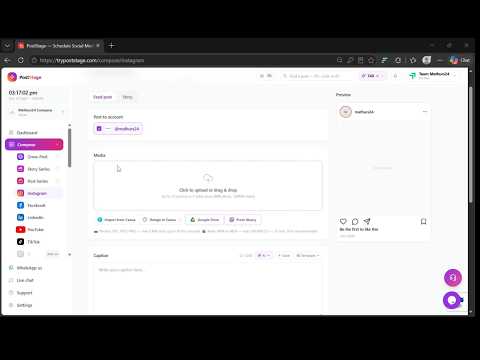
How to Schedule an Instagram Photo Post
Upload a photo, crop it to an Instagram size, add your caption, hashtags and first comment, and schedule it to the second.
Add 2 to 10 photos and PostStage turns them into a Carousel, with one caption, first-comment hashtags and up to 3 collaborators.
Upload a photo, crop it to an Instagram size, add your caption, hashtags and first comment, and schedule it to the second.
Upload a video, choose the exact frame Instagram shows as the cover, add your caption and collaborators, and schedule the Reel.
Switch the composer to Story, add a photo or video, and schedule it to go live at the exact second, even when you're offline.