
Create your account, answer three quick setup questions, choose Solo or Agency, and connect your first social account.
Video tutorials
Learn PostStage in a few minutes
Short, step-by-step videos that show you exactly where to click. Watch them here, or on YouTube. More tutorials are on the way.
Getting started
1 videoComposing and scheduling
1 video
Write one post and schedule it to Instagram, Facebook, LinkedIn, YouTube and more in one go, changing the caption for any platform that needs it.

Upload a photo, crop it to an Instagram size, add your caption, hashtags and first comment, and schedule it to the second.

Add 2 to 10 photos and PostStage turns them into a Carousel, with one caption, first-comment hashtags and up to 3 collaborators.
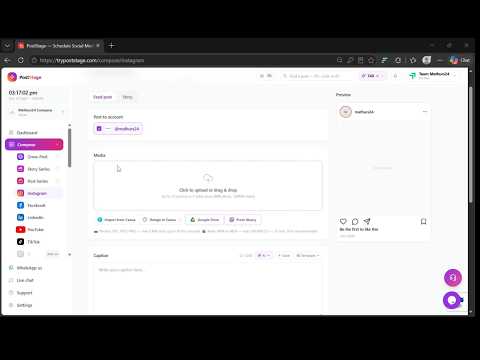
Upload a video, choose the exact frame Instagram shows as the cover, add your caption and collaborators, and schedule the Reel.

Switch the composer to Story, add a photo or video, and schedule it to go live at the exact second, even when you're offline.
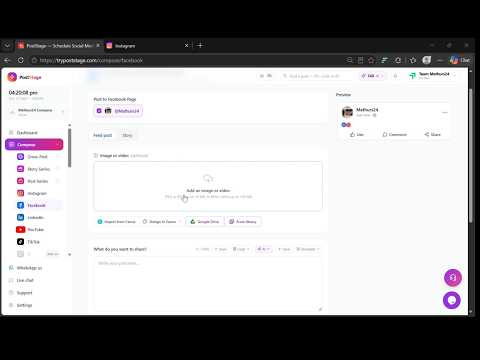
Write one post, add a photo or video, and schedule it to one Facebook Page or several at once, with a first comment if you want one.

Switch the Facebook composer to Story, add a photo or video, and schedule it for one Page or several.
YouTube & TikTok
2 videos
Upload a vertical video, pick a thumbnail frame, add a title and description, choose Public, Unlisted or Private, and schedule the Short.

Upload a video, pick a cover frame, choose who can view it, set comments, Duet and Stitch, and schedule it to TikTok.
LinkedIn, Pinterest & Google Business
3 videos
Schedule a LinkedIn post with text, a photo, or a PDF that shows as a swipeable carousel, to one account or several.

Pick a board (or create one), add your Pin image, title, description and destination link, and schedule the Pin.

Schedule an Update, Event or Offer to your Business Profile locations, with a call-to-action button like Book or Call now.
Threads, Bluesky, Mastodon & Tumblr
4 videos
Write a post of up to 500 characters, add a photo if you like, and schedule it to one Threads account or several.
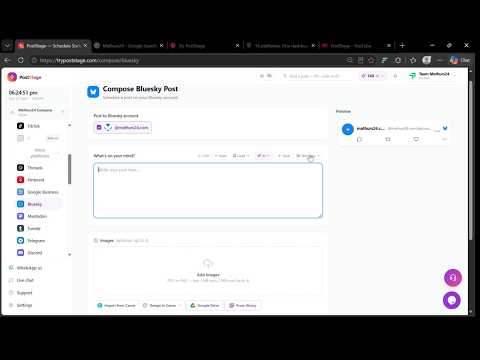
Write a post of up to 300 characters, add up to 4 images, and schedule it to one Bluesky account or several.
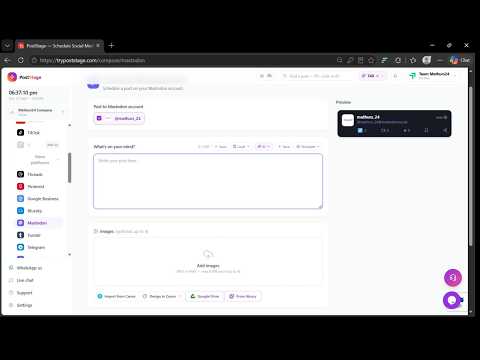
Write a post of up to 500 characters, add up to 4 images, and schedule it to one Mastodon account or several.
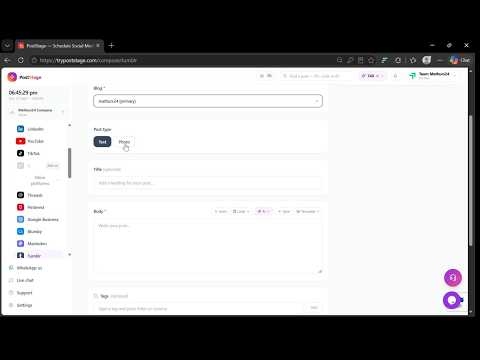
Choose a blog, write a text post or add a photo with a caption, add tags, and schedule it to Tumblr.
Telegram & Discord
2 videos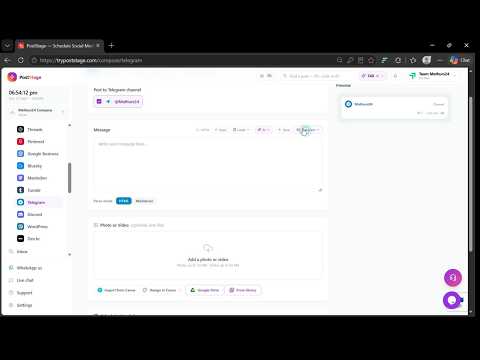
Write a message in HTML or Markdown, add a photo or video, and schedule it to one Telegram channel or several.

Write a message of up to 2,000 characters, add an image, and schedule it to one Discord channel or several.
WordPress & Dev.to
2 videos
Write a post with a featured image, categories and tags, and schedule it to one WordPress site or several, live or as a draft.

Write your article in Markdown, add a cover image, up to 4 tags and a canonical URL, and schedule it live or as a draft.
Billing and plan
1 video
Try Starter or Pro free for 14 days with no card needed, and see what happens when the trial ends.
Can't find what you need?
Ask us. A real person reads every message, and we'll point you to the right place or record the tutorial you're missing.
Ready to try it yourself?